Run your practice from your phone
The Writford mobile app puts cited UK legal AI, your full matter files and time, costs and tasks in your pocket, all behind a biometric lock. The same account and the same data as the web app.
Download the Writford app
Free download. Signs in with your existing Writford account, the same data as the web app, behind a biometric lock.
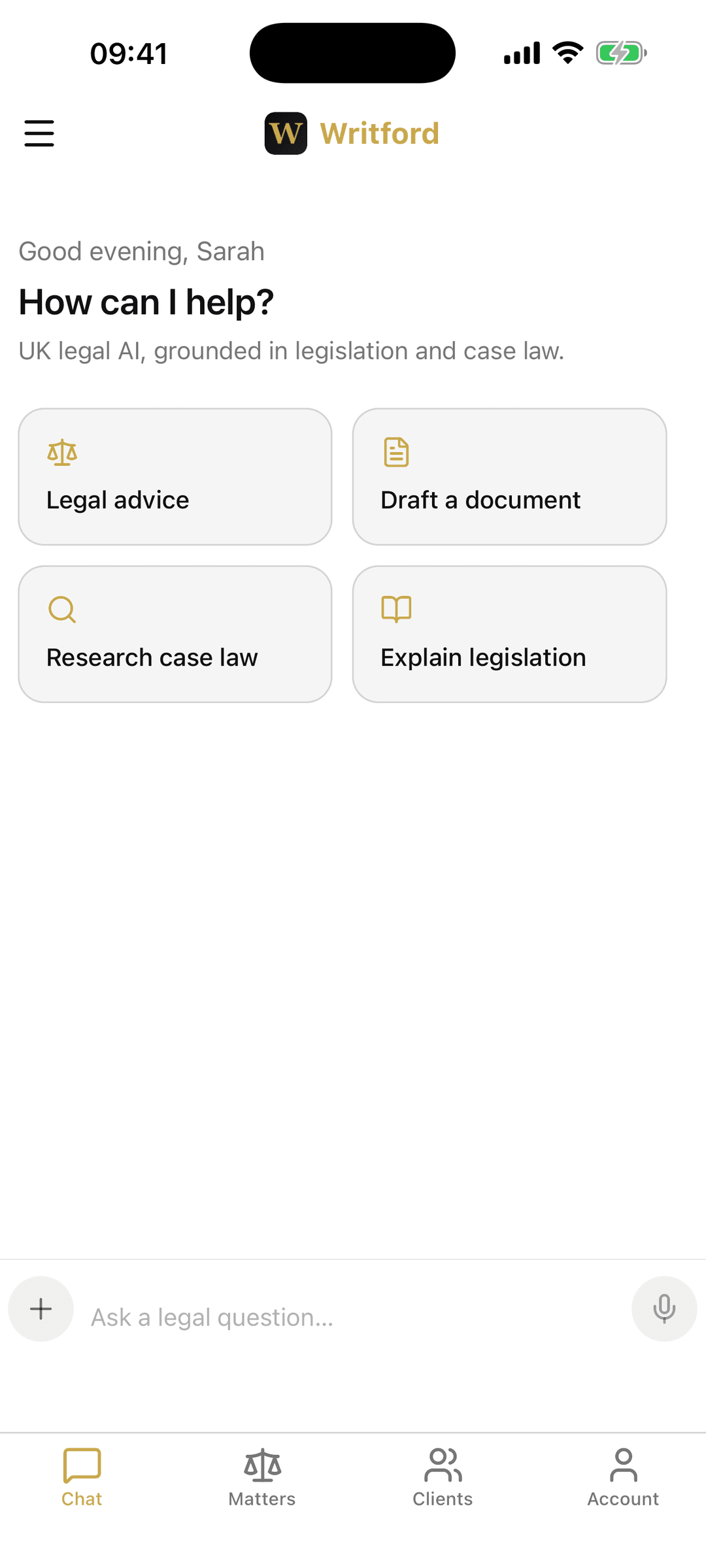
The whole matter file, on your phone
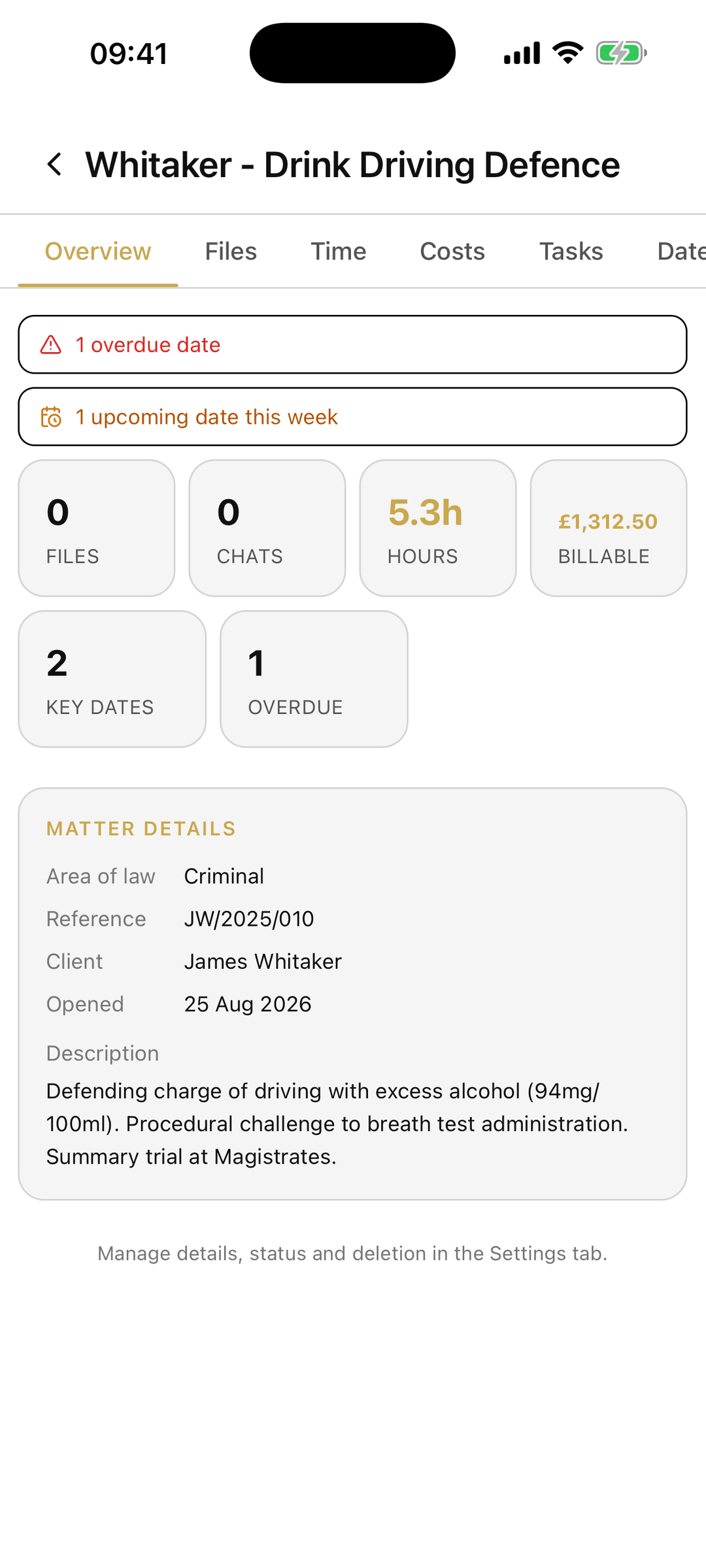
Open any matter on your phone and see what you would on the desktop: files, time, costs, tasks, key dates, notes and chats. Check a reference between meetings, glance at upcoming deadlines on the train, or pull up a client's file before a call.
- Browse and search every matter and client
- Matter overview with billable hours, costs and overdue dates
- Files, time, costs, tasks, key dates and notes per matter
- Built for English and Welsh practice, not a generic CRM
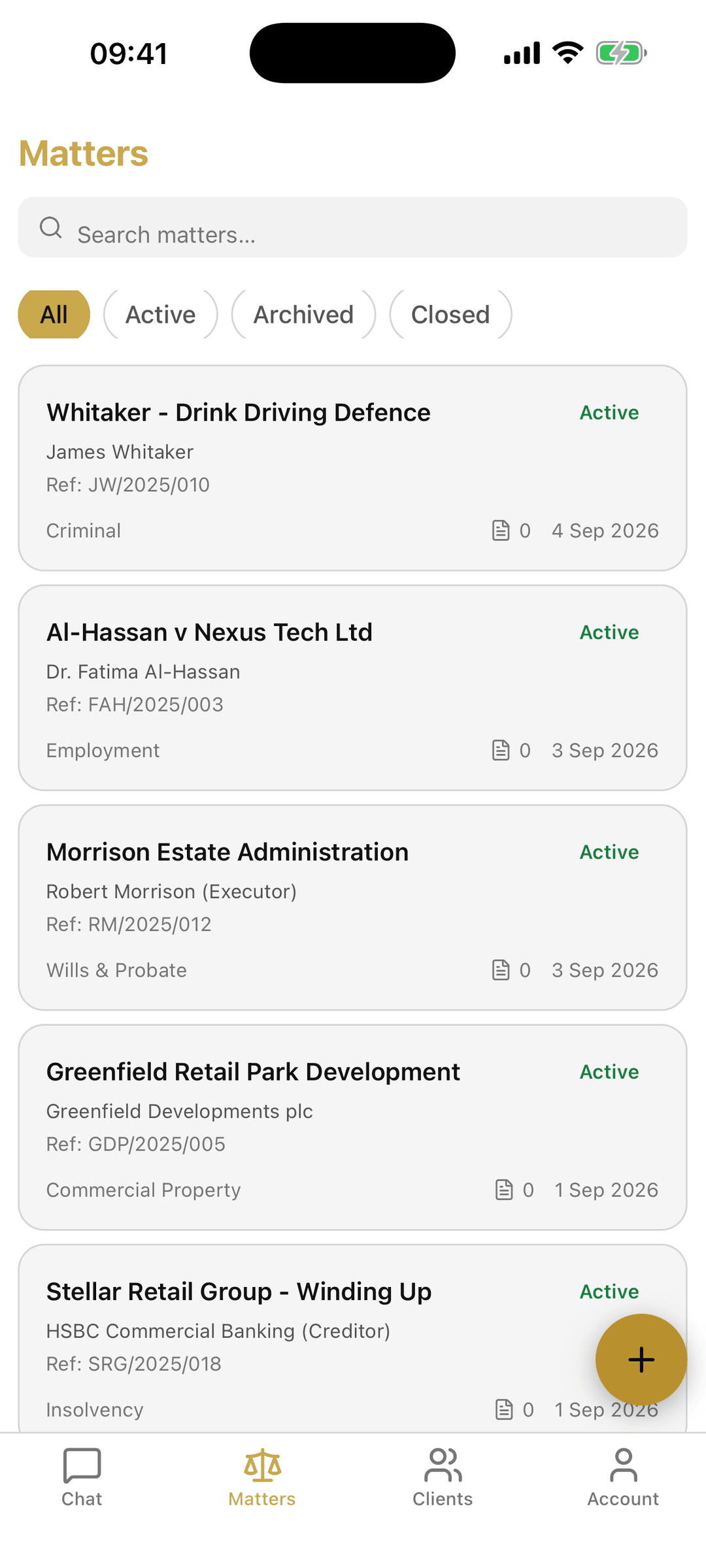
Cited UK legal AI, wherever you are
The same AI assistant from the web app, grounded in UK legislation and case law, in your hand. Ask a legal question, draft a document, research case law or explain a piece of legislation, with Search and Extended Thinking available on the same turn.
- Legal advice, drafting, case-law research and legislation explainers
- Search mode for live, cited UK sources
- Extended Thinking for step-by-step analysis
- Streaming replies, the same engine as the desktop app
Client-confidential, and locked to you
A phone is easy to lose, so the app protects the work on it. A biometric app lock keeps matters behind Face ID or your fingerprint, and everything moves over an encrypted connection. The same account, plans and data as the web app, no separate store of client information.
- Biometric app lock with Face ID or fingerprint
- Data encrypted in transit
- One account across web and mobile
- No advertising identifiers
Mobile app questions
Is the Writford app free to download?
Yes. The Writford app is a free download on Google Play for Android and on the App Store for iPhone and iPad. It signs in with your existing Writford account, so your plan, usage and matters are the same as on the web app. You create an account and choose a plan at writford.co.uk.
Is there an iPhone (iOS) app?
Yes. Writford is on the App Store for iPhone and iPad, free to download, and needs iOS 15.1 or later. It signs in with the same Writford account as the web and Android apps, so your matters, plan and usage are the same everywhere.
Does the mobile app have the same AI as the website?
Yes. The app uses the same UK-grounded AI assistant as the web platform, including Search for live cited sources and Extended Thinking for step-by-step analysis. Replies stream in the same way.
How is client data protected on the app?
The app supports a biometric lock (Face ID or fingerprint), all data moves over an encrypted connection, and it uses no advertising identifiers. It reads from the same secure backend as the web app rather than keeping a separate store of client information.